
Docker Compose: a business app deployment checklist
Review configuration, persistent data, startup dependencies and release readiness before moving an application to a VPS.
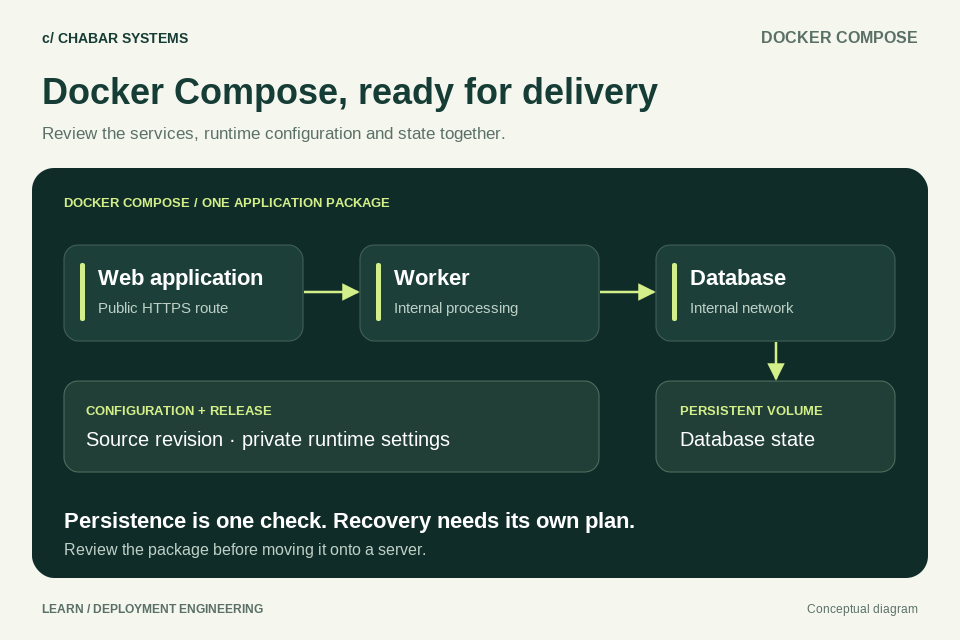
A Compose file describes services. Delivering a business application also requires decisions about data, configuration, dependencies and release ownership. Use this checklist to review a package before deployment.
1. Identify the release
Record the repository and exact revision. Identify which services are built from source and which use external images. Chabar’s delivery policy favors explicit production image references and a recorded commit so an operator can identify the intended installation.
Keep real credentials out of source control. Provide a sanitized configuration example and explain which values must be supplied privately. Avoid printing expanded secrets into logs or support messages.
2. Inventory persistent state
List databases, uploaded files and application state. Record each storage location, owner and recovery procedure.
Docker volumes persist independently of a container’s lifecycle. That storage behavior is useful, but it does not establish your backup or recovery plan.
For client delivery, review shared volume names and host paths. Reusing a template should produce fresh configuration, rather than accidentally reuse another client’s credentials or live data.
3. Review startup dependencies
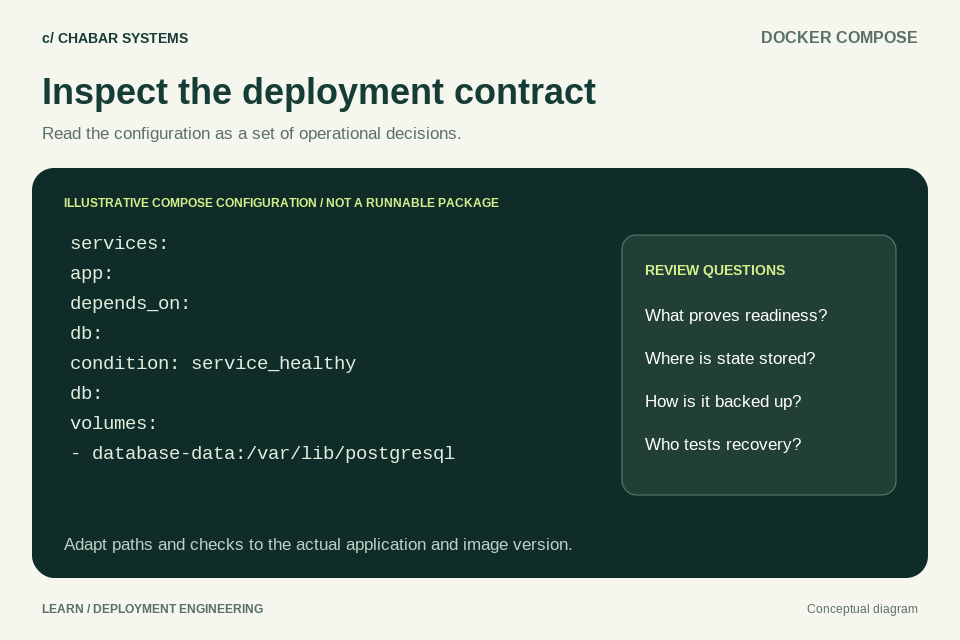
A container starting does not necessarily mean its service is ready. Compose supports dependency conditions including service_healthy and service_completed_successfully. Consult the official startup-order guide.
Define what each check proves. A database connection check, an HTTP liveness response and a completed business transaction answer different questions. Also plan the application’s behavior when a dependency fails after startup.
4. Map access and integrations
Identify user endpoints, callback receivers and administrative interfaces. Record domains, provider permissions and configuration owners. Test the intended external URL instead of relying only on localhost behavior.
For each external dependency, name the account owner and the person responsible for credential renewal or recovery. Keep the operational record private.
5. Plan change and handover
Before deployment, answer:
- What result will the client use to accept the application?
- How will you verify persistence after redeployment?
- Which data, settings and keys are needed for recovery?
- Where will an isolated restore be tested?
- What happens if a release changes the database schema?
- Who owns the next update and any incident?
Our release policy treats code rollback and data recovery as separate decisions. Review compatibility before assuming an earlier image is sufficient.
Create a record of missing items and assign an owner to each. Next, define automation acceptance checks. For hands-on packaging, migration or deployment help, explore the deployment service.